Kali Linux on Rasberry Pi 4
Installing Kali Linux on a Rasberry Pi 4 is very simple. If you want a more in depth guide check out my video on youtube.
How to install Kali Linux on Rasberry Pi 4
For a more in depth guide of this install check out my YouTube video.
Firstly, download the Kali Linux arm image from https://images.kali.org/arm-images/kali-linux-2021.2-rpi4-nexmon-64.img.xz

Secondly, format the Image using Rufus https://rufus.ie/en/

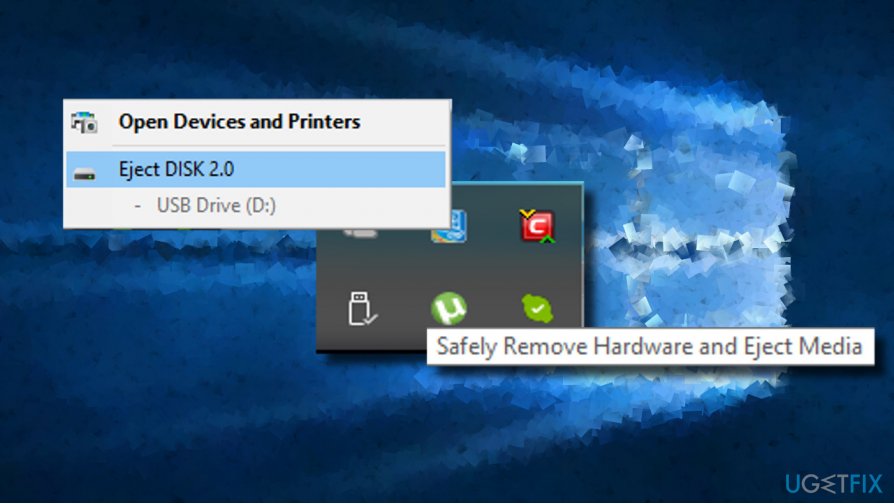
Finally, safely remove the micro SD and slot into the RPi4 and plug it in to turn it on
How do I get a Rasberry Pi 4?
Amazon do some amazing deals on Rasberry Pi’s, you can get a starter kit with everything you need + more.
I bought my starter kit from amazon at a fraction of the price of a full computer or laptop.
https://amzn.to/3ycfcy8 – Rasberry Pi 4, 8gb Ram, 64gb SD card, cooling fan, Micro HDMI to HDMI Cable, and a sleek black case.
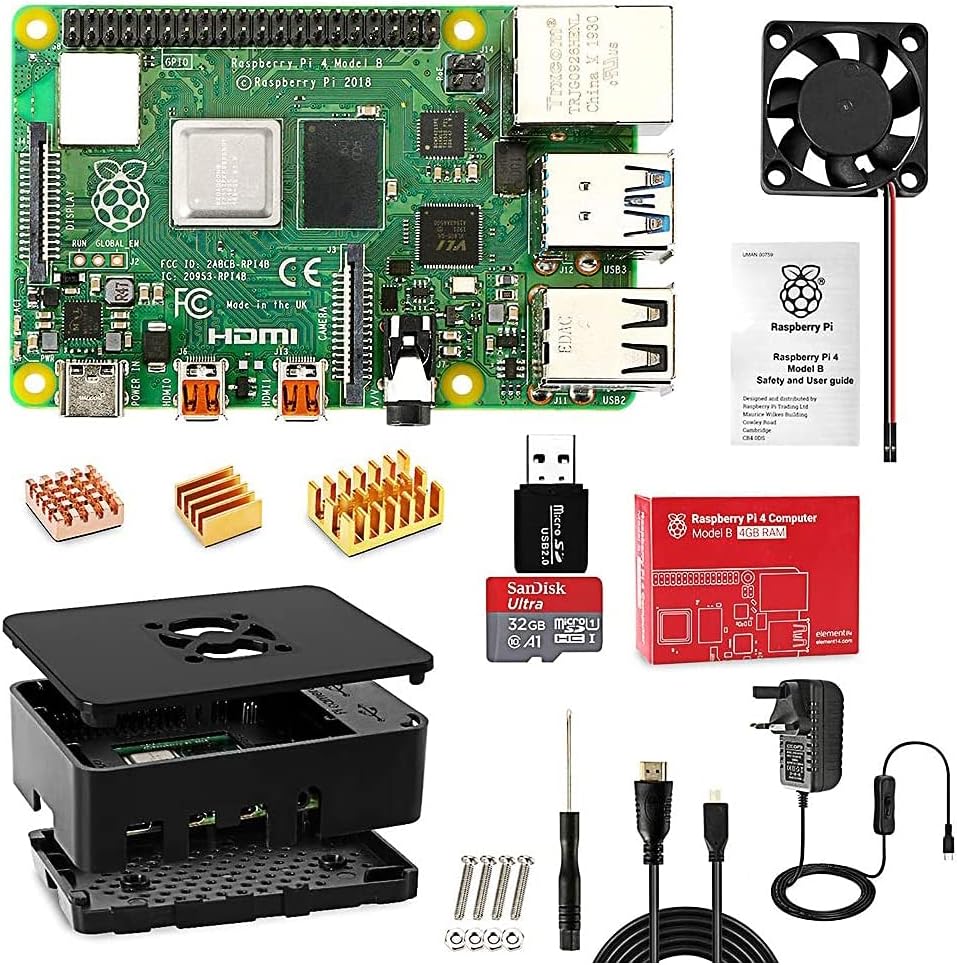
https://amzn.to/3Dlng3c – Rasberry Pi 4, 8gb Ram – Without starter kit

https://amzn.to/3Dkn84j – Rasberry Pi 4, 4gb Ram, 32 gb SD card, cooling fan, Micro HDMI to HDMI Cable, and a sleek black case.

https://amzn.to/2UO0u2N – Rasberry Pi, 4gb Ram – without starter kit
As an amazon affiliate I make money of any purchases on these product links.


No comments:
Post a Comment